Frequently Asked Questions
Everything you need to know about netDocShare, Microsoft 365 integration, NetDocuments collaboration, security, compliance, and deployment.
Overview
Learn what netDocShare is, who builds it, and how it connects NetDocuments with Microsoft 365.
What is netDocShare?
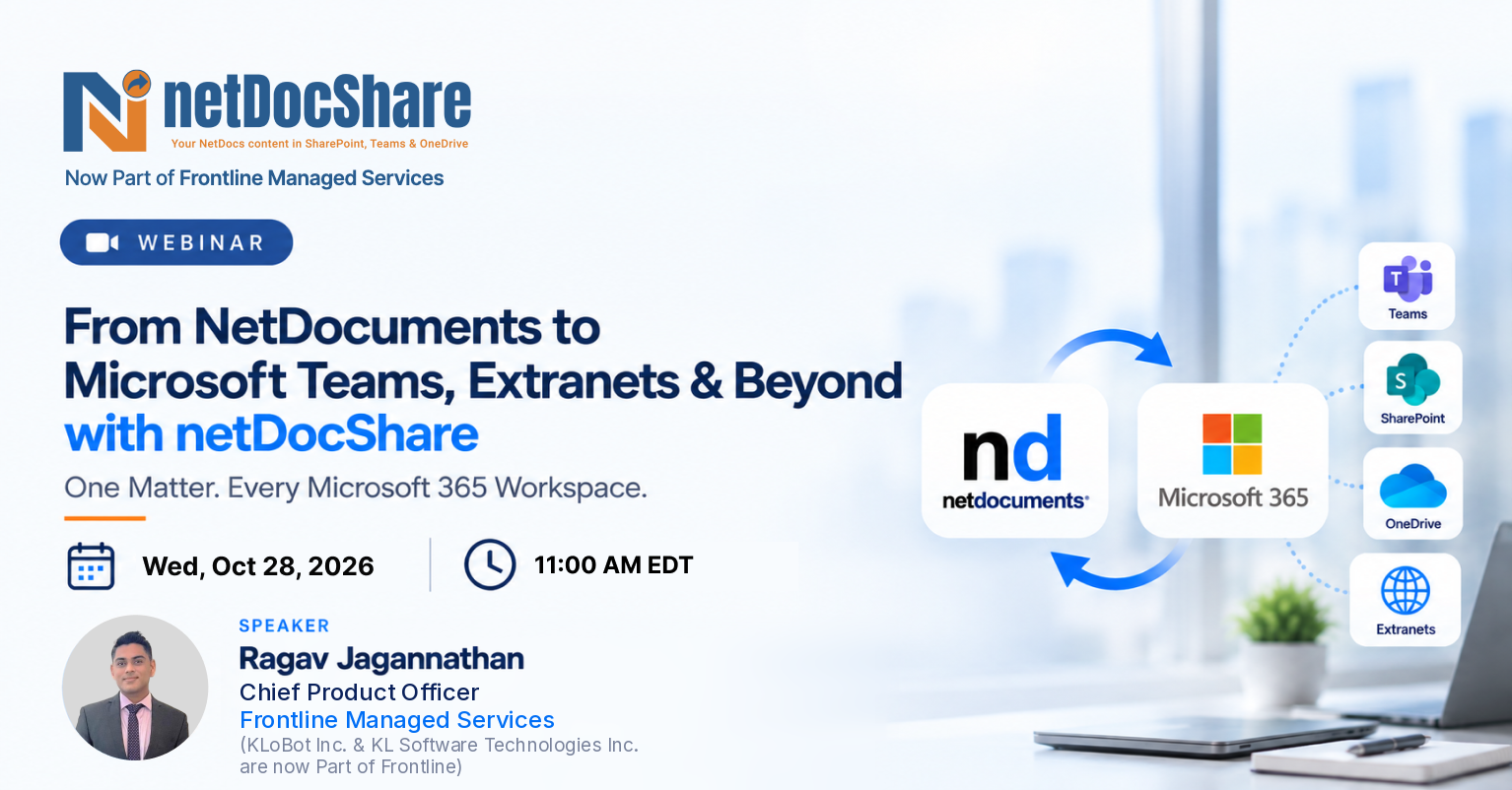
netDocShare is an enterprise integration platform designed for law firms and legal teams. It enables live viewing, editing, adding, syncing, searching, and provisioning of NetDocuments content directly within Microsoft SharePoint, Microsoft Teams, OneDrive, and web applications; without leaving Microsoft 365.
Who is netDocShare built for?
It is designed for law firms, corporate legal departments, Fortune 100 General Counsels, and government agencies that use NetDocuments as their DMS and Microsoft 365 as their collaboration platform. It is trusted by 50+ global law firms.
Does netDocShare replace NetDocuments?
No. NetDocuments remains the single system of record. netDocShare provides live, permission-driven access to NetDocuments content across Microsoft 365 platforms without duplicating data or creating local repositories.
Who developed netDocShare?
netDocShare is developed and offered by KL Software Technologies, Inc. (KLoBot Inc.), an independent technology partner of NetDocuments, headquartered at 60 Park Pl, Suite 204, Newark, NJ 07102, USA.
Is KLoBot Inc. security certified?
Yes. KLoBot Inc. is ISO 27001:2022 certified, validating its commitment to security, privacy, and compliance standards.
Which Microsoft platforms does netDocShare support?
netDocShare integrates with SharePoint Online (SharePoint 2013/2016/2019 on-premises), Microsoft Teams, OneDrive for Business, and Microsoft Office apps (Word, Excel, PowerPoint).
How can I install the netDocShare app?
You can install the Teams app by pinning it to the Microsoft Teams Navigation bar. For SharePoint, add it to a SharePoint page or web application page. It is also available on Microsoft AppSource.
Where can I get more information or support?
Visit www.netdocshare.com, email contactus@netdocshare.com, or call +1 (201) 743-8550. You can also schedule a 30-minute demo via https://calendly.com/ragav/30min
How does netDocShare ensure privacy and confidentiality?
It provides secure, permission-driven access. All content visibility is strictly governed by the user's native NetDocuments permissions — users can only see what they are authorized to access in NetDocuments.
What apps are included in the netDocShare suite?
The suite includes: SharePoint App, Teams App, Sync App, Provisioning App, Co-authoring App, Hybrid Search App, Content Browser App, Attach App, Admin App, ndThread App, and ndTasks App.
What viewing options are available for NetDocuments content?
Users can browse content through Tree View, Folder View, Metadata Folders, Category Folders, and Saved Search Folders all within SharePoint or Teams interfaces.
What document actions can users perform through netDocShare?
Users can: Edit Profile, Preview Document, View in Browser, Check Out, Co-author, Check In, Download, Rename, Delete, Lock Version, Get Secured Link, Email Link, Follow, Create a New Version, and add Margin Notes.
What document views are available in the netDocShare Document Viewer?
Normal View (folders/workspaces), Recent Documents View (recently accessed or edited), Favorites View (starred documents/folders), and Go to Client/Matter View (navigate directly to a specific workspace).
Teams App
Live-view, share, and co-author NetDocuments content directly inside Microsoft Teams.
What is the netDocShare Teams App?
It is a Generative AI-powered app that allows users to live-view, add, and edit any NetDocuments content and ndThread directly in Microsoft Teams as a personal app, Team Channel Tab, 1-1 Private Chat, or Teams Meeting tab.
Is the netDocShare Teams App approved by Microsoft?
Yes. It is the only highly approved third-party app for NetDocuments content in Microsoft Teams and is available on Microsoft AppSource.
What collaboration features does the Teams App offer?
Users can reference and insert document cards from NetDocuments into Teams Posts, share content across Team Channel Posts, 1-1 Private Chats, and Teams Meetings, and co-author documents in real time within Teams.
How does the Teams App support compliance and governance?
It enables saving and archiving Teams conversation threads including attachments directly to NetDocuments, supporting compliance and governance requirements.
Can I search and share NetDocuments content within Teams?
Yes. Advanced search capabilities allow you to find and share specific NetDocuments content directly from Teams Channel Chats and Channel Tabs.
What efficiency tools are in the Teams App?
Search & Filter, Quick Sync (sync changes with a single click), Export Structure (export folder structures), Download & Post (download or share files directly in Teams), Column Property Customization, Sort Columns, and a Refresh feature for real-time document version updates.
Does the Teams App support bi-directional sync?
Yes. Files can be seamlessly synced between NetDocuments and Microsoft Teams Channels in both directions, ensuring content stays current and accessible.
Can I customize the display layout in the Teams App?
Yes. Users can select which column properties and metadata to display, and sort columns to suit their workflow.
Sync App
Bidirectional sync of NetDocuments content with SharePoint, Teams, OneDrive, and file shares.
What is the netDocShare Sync App?
netDocShare Sync app enables seamless, bidirectional or one-way sync between NetDocuments and Microsoft 365 services including SharePoint, Microsoft Teams, OneDrive, and Network File Shares.
What levels of content can be synced?
Sync can be configured at the level of entire cabinets, individual workspaces, folders and subfolders, or even specific files giving firms granular control over scope.
Does Sync preserve metadata and permissions?
Yes. Sync supports full metadata sync (NetDocuments Profile fields to SharePoint columns) and permission sync including NetDocuments Ethical Walls and ethical wall alignment, preventing unauthorized access to synced content in SharePoint.
What is Selective Sync by Timeframe?
Firms can configure sync to only include active matters or documents modified within a specific timeframe (e.g., last 90 days) rather than syncing everything. Dynamic Saved Searches auto-adjust over time without manual intervention.
What is Advanced Search-Based Sync?
Users can run an advanced search across an entire cabinet to define sync criteria and use those results as the sync source, eliminating the need to manually select individual workspaces.
How does Sync handle SharePoint filename and path restrictions?
netDocShare Sync proactively detects SharePoint path length limits and filename character violations before sync begins, automatically normalizes or truncates filenames, and preserves the original NetDocuments filename in a dedicated SharePoint metadata column.
What is Linked Document Mode?
It maintains a single source of truth in NetDocuments by syncing documents as intelligent links rather than copies, eliminating version confusion across platforms.
Does Sync support DocID retention when moving or copying documents?
Yes. Document identifiers (DocIDs) and complete audit trails are preserved during all move and copy operations, supporting compliance requirements.
Can Sync be automated with Power Automate?
Yes. Sync supports creating sync jobs through Microsoft Power Automate, including automatically detecting new workspaces and creating corresponding sync jobs to reduce manual IT overhead.
What sync admin desktop tools are available?
The Sync Admin desktop app synchronizes SharePoint Server document libraries to NetDocuments. The Sync OneDrive desktop app synchronizes OneDrive personal libraries with NetDocuments. The Sync SharePoint Extension initiates quick sync from SharePoint. The Sync Teams Extension enables quick sync from within Teams.
What use cases does Sync support for business continuity?
Sync can back up complete NetDocuments workspaces or only recently modified files, enabling document access during NetDocuments service outages. It supports smart archiving (moving inactive matter documents from NetDocuments to SharePoint) and disaster recovery planning.
Provisioning App
Automate Teams, SharePoint sites, channels, tabs, and sync jobs with central governance.
What is the netDocShare Provisioning App?
It automates the entire lifecycle of Microsoft Teams, SharePoint sites, channels, tabs, and sync jobs. Provisioning is template-based, tied to matter or client onboarding workflows, and fully auditable with central governance.
Can the Provisioning App create Teams and Channels automatically?
Yes. It can automatically create Teams, internal and shared channels, SharePoint sites, NetDocuments tabs, and associated sync jobs using predefined templates; triggered by attorney, assistant, or intake team requests.
Does the Provisioning App support bulk actions?
Yes. It supports bulk creation, updating, or deletion of multiple Teams and Channels simultaneously for large-scale deployments.
What is the approval workflow in Provisioning?
Admins review and approve requests for new Teams through the provisioning app before the automated setup begins, maintaining governance and control.
Can Provisioning create SharePoint sites with NetDocuments sync?
Yes. It can create secure SharePoint Extranet sites with pre-configured NetDocuments sync settings for external client collaboration.
How does Provisioning handle external collaboration?
It creates secure SharePoint Extranet sites for external users and supports shared Teams channels using Microsoft Entra B2B direct connect, with documents synced to NetDocuments for centralized governance.
Does Provisioning support ethical walls and compliance policies?
Yes. NetDocuments and 3rd-party walls inherited from NetDocuments are applied to Microsoft Teams and SharePoint during provisioning, maintaining access controls and safeguarding sensitive data.
Can Provisioning be automated via APIs?
Yes. It includes REST API support and integration with Microsoft Power Automate, enabling custom workflows and automated provisioning across thousands of Teams and Channels.
Is Provisioning cloud-based?
Yes. It is hosted on Microsoft Azure for high availability, scalability, and minimal maintenance overhead.
Does Provisioning support Microsoft Planner integration?
Yes. Microsoft Planner tabs can be automatically added to Teams Channels as part of provisioning templates for enhanced task management.
Can Provisioning archive Teams after a matter closes?
Yes. Teams, Channels, and Tabs can be archived into NetDocuments after collaboration concludes, ensuring proper content lifecycle management.
Attach App
Link NetDocuments documents, folders, and workspaces into SharePoint lists and libraries.
What is the netDocShare Attach App?
It allows users to look up and link NetDocuments documents within SharePoint Lists and Document Libraries, automating the creation of hyperlinks between platforms.
What types of content can be linked using the Attach App?
Individual documents, folders, and entire workspaces from NetDocuments can all be linked to SharePoint.
Can I choose specific documents to link from NetDocuments to SharePoint?
Yes. Users can select specific documents, entire folders, or workspaces to link, offering complete flexibility.
How does the Attach App handle NRL links?
It automates the conversion of NRL links to active hyperlinks, ensuring compatibility with NetDocuments and reducing manual effort.
How does the Attach App improve workflow efficiency?
By automating the linking process between NetDocuments and SharePoint, it streamlines document reference management, improves cross-platform access, and reduces repetitive manual steps.
Content Browser & Admin
Reference NetDocuments content in custom apps and manage netDocShare settings centrally.
What is the netDocShare Content Browser App?
It enables developers to look up and reference any NetDocuments content sources within their .NET, PHP, Java, or Full Stack web applications.
What is the netDocShare Admin App?
It is a centralized management tool for administrators to enforce and manage netDocShare settings, and to enable, disable, or set default values for properties that can be modified by Page Admins in SharePoint WebParts or by users in Teams Channel Tabs.
ndThread & ndTasks
Bring ndThread discussions and ndTasks task management into Microsoft Teams and SharePoint.
What is the ndThread integration in netDocShare?
ndThread is a discussion and collaboration tool for NetDocuments. Through netDocShare, ndThread can be accessed and managed directly within Microsoft Teams and SharePoint, enabling in-context conversations linked to matters and documents.
What is the ndTasks integration?
ndTasks brings NetDocuments task management into the Microsoft Teams environment, allowing legal teams to assign, track, and manage tasks without leaving Teams.
Security & Compliance
Permission-driven access, ethical walls, audit logging, and business continuity.
How does netDocShare maintain document security across platforms?
All content visibility is strictly permission-driven based on the user's NetDocuments access rights. Ethical wall alignment is enforced in SharePoint, and full audit trails are maintained for all sync and access activity.
Does netDocShare support ethical walls / Third-Party Ethical Walls?
Yes. NetDocuments Ethical Walls and Third-Party Ethical Walls are applied during provisioning and enforced across Teams and SharePoint.
Does netDocShare provide audit logging?
Yes. Detailed audit trails of all sync activity are available for compliance review and forensic investigation, with structured log fields including error category, severity level, and timestamps.
Can netDocShare help with business continuity during a NetDocuments outage?
Yes. netDocShare Sync can maintain synced copies of NetDocuments content in SharePoint, enabling staff to continue working during unforeseen NetDocuments service outages, with changes synced back once service is restored.
Does netDocShare support smart archiving?
Yes. It can automatically move inactive matter documents from NetDocuments to SharePoint, optimizing NetDocuments storage while keeping older content accessible.
Pricing & Licensing
Plans, licensing, support inclusions, and sync job definition limits.
What pricing plans are available?
Three plans are available: (1) Standard — $1,800/month or $20,000/year for up to 500 users per tenant/farm. (2) Enterprise — custom annual pricing (call +1 201-743-8550 or schedule a call for details). (3) Teams App Pro — $6/user/month (annual commitment, minimum 5 users).
What is included in the Standard Plan?
Up to 500 users per tenant/farm, support, hotfixes, upgrades, and auto-renewal. Pricing does not include one-time setup fees or applicable customization fees.
What is included in the Enterprise Plan?
Enterprise includes: netDocShare Admin, Co-authoring, Teams App, ndThread integration, and ndTasks integration. Optional add-ons include Sync, Hybrid Search, Content Browser, and Attach. Includes support, hotfixes, upgrades, and auto-renewal.
What is the Teams App Pro Plan?
Per-user pricing at $6/user/month on an annual commitment, with a minimum of 5 users. Covers one Microsoft Teams instance per Office 365 tenant.
Is the first year of technical support included?
Yes. The first year of basic technical support is included at no additional charge for all plans. Premium technical support is available for an additional fee.
Does the Sync App include a limit on sync job definitions?
Yes. Plans include up to 10 Sync Job Definitions. Additional job definitions can be purchased at extra cost.
Support & Implementation
Technical support options, the Provisioning architecture, and on-premises support.
What technical support options are available?
Support includes access to the netDocShare knowledge base via https://netdocshare.com/documentation. Premium customers also get live chat, telephone callback, and live meeting support.
What is the architecture of the Provisioning App?
It is cloud-based, hosted on Microsoft Azure, offering high availability, scalability, and minimal maintenance. Pre-configured templates and automated provisioning minimize setup time.
Does netDocShare support on-premises SharePoint?
Yes. The netDocShare app can be used with SharePoint Online (Office 365) or SharePoint 2013, 2016, and 2019 on-premises environments.
Getting Started
How to evaluate, deploy, and learn more about netDocShare.
How do I get started with netDocShare?
Visit netdocshare.com. Schedule a 30-minute demo via https://calendly.com/ragav/30min, explore the product suite, download the brochure, or contact the sales team. The Teams app is also available to install directly from Microsoft AppSource via https://appsource.microsoft.com/en-us/product/office/wa200001619?tab=overview
What resources are available to learn about netDocShare?
netDocShare offers: FAQs (netdocshare.com/faq), product videos, on-demand webinars, a blog, case studies, white papers, insights articles, documentation, and release notes; all accessible from the Resources menu.
How do I become a netDocShare partner?
Visit netdocshare.com/partners or complete the partner interest form on the website with your company name, contact details, number of employees, and number of netDocShare implementations completed.
Can’t find what you’re looking for?
Contact our team and we’ll help you find the right resource.