
How to Reduce Shadow IT in Law Firms Without Slowing Attorneys Down
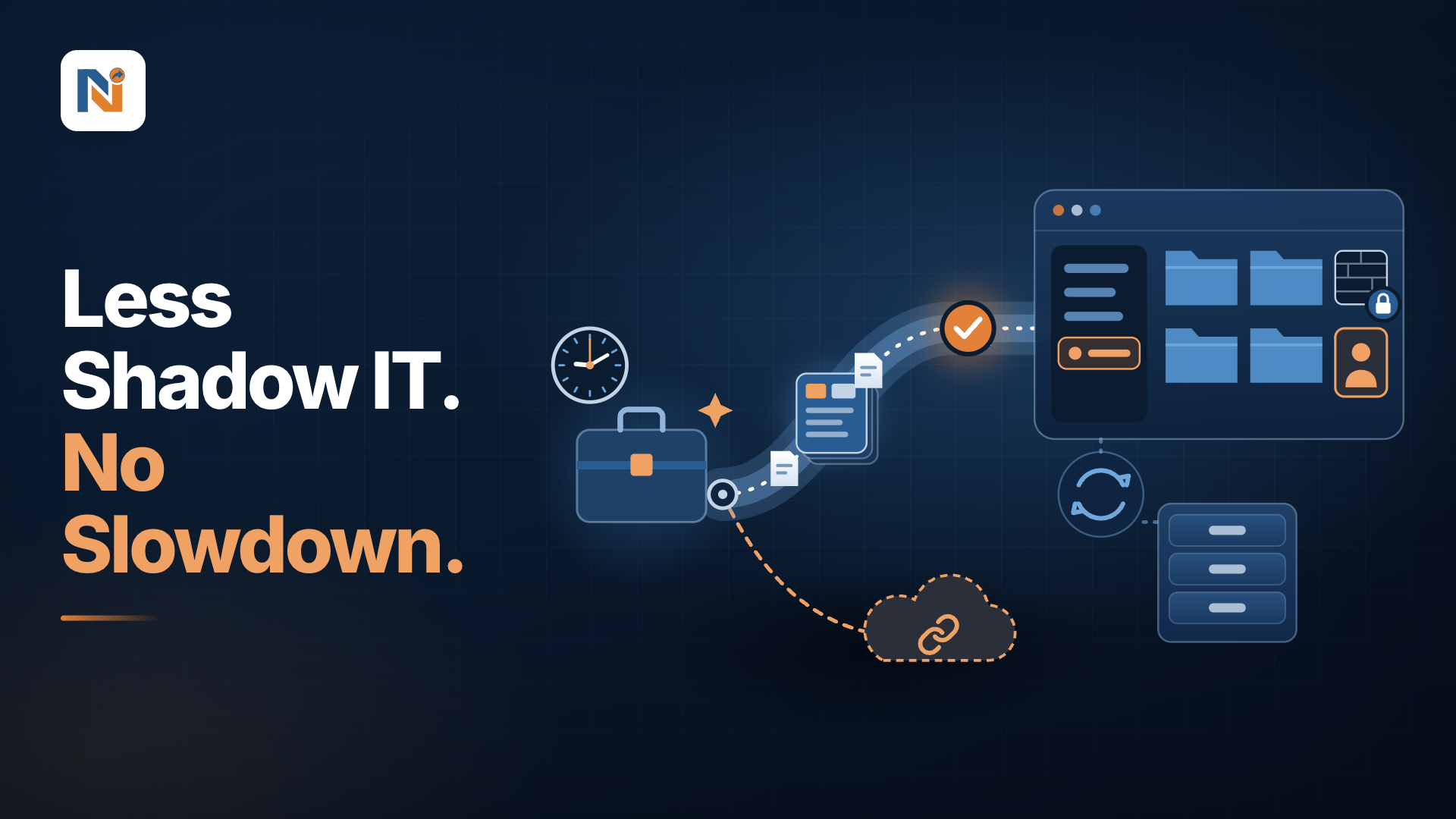
Shadow IT and Matter Provisioning
How to Reduce Shadow IT in Law Firms Without Slowing Attorneys Down
It is Monday, 9:10 AM. A partner has just won a new matter, and the client wants to share documents today. The workspace request joins an IT queue with a three-day wait. So, the partner does what any busy professional would do: opens a personal cloud folder and emails the client with a link.
Nobody was careless. The approved route was simply slower than the risky one. Repeat that across hundreds of matters and you get a security blind spot that no audit fully maps.
What Is Shadow IT in a Law Firm?
Shadow IT means any tool or sharing method used for client work without IT's knowledge or approval. In legal, it usually looks like:
-
Personal cloud storage holding client files
-
Consumer messaging apps carrying matter discussions
-
Open "anyone with the link" shares
-
Free AI tools used to draft or summarise
How Big Is the Problem?
Most hard data today focus on shadow AI, but the behaviour is identical: people route around slow official channels.
-
78% of AI users bring their own tools to work (Microsoft and LinkedIn, 2024 Work Trend Index).
-
59% of UK fee earners surveyed by Access Legal admitted using unapproved AI on client work, yet 68% of firm leaders believed they had full visibility (200 respondents, 2026).
-
92% of legal professionals use at least one AI tool (Wolters Kluwer, 2026 Future Ready Lawyer Survey).
-
1 in 5 organisations in IBM's 2025 breach study reported a breach tied to shadow AI. High levels added $670,000 to the average cost, and the average US breach reached $10.22 million.
The pattern is clear. Adoption is racing ahead of governance, and leadership often cannot see the gap.
Why Does It Happen? Friction, Not Recklessness
Panelists in a 2026 Wolters Kluwer webinar described shadow AI as a governance failure rather than a user failure. It appears that approved tools are hard to use or unavailable. Workspaces follow the same logic. Three friction points repeat:
-
Slow setup: channels, folders and permissions built by hand
-
Inconsistent structure: every matter looks different
-
No easy client option: no quick, secure way to collaborate externally
Consider corporate counsel preparing a deal room for outside counsel and business stakeholders by Friday. If a secure room takes a week, a consumer link takes ten minutes. Guess which wins.
Figure 1
A week for the secure room, ten minutes for the link
What Is Stake Beyond Security?
UK legal press reports that a 2026 Upper Tribunal decision, Munir v Secretary of State for the Home Department, found that using open consumer AI tools can waive legal professional privilege. Whatever your jurisdiction, the direction is clear: where client material goes now carries legal consequences, not just IT ones.
What Does Governed Provisioning Look Like?
The principle is simple: make the safe path the easiest path. In practice, that means six capabilities:
Figure 2
The safe path, built once and opened in minutes
-
Reusable matter templates. Channels, tabs, folders, permissions and starter documents defined once, even cloned from a workspace that already works.
-
Request and approval workflow. Requests for new workspaces are reviewed and approved by an administrator, who can also set which folders are created, and which channels sync. IT governs without hand-building in every space.
-
Ethical walls that travel. Restrictions set in the document management system are applied to collaboration spaces such as Teams and SharePoint, and later changes follow.
-
Secure client spaces. Pre-configured extranet sites and shared channels, synced back to the document system, and replace stray links.
-
Bulk actions and automation. Create or update many workspaces at once, triggered through workflow tools and APIs.
-
Clean closure. Matter content is archived to the document system when the matter ends, with consistent document types.
A Tale of Two Matter Openings (Illustrative)
Before: Request submitted Monday. IT builds it by hand over the following days. Meanwhile, the team improvises personal tools, and those files never return to the system of record.
After: The team raises a request from a standard template. An administrator reviews and approves it. The workspace opens ready to use, with structure and permissions already in place, walls applied, and a client channel prepared. Nothing needs to be rescued later.
What Changes Each Leader?
-
CIO: fewer manual builds, one governed path, and a clearer picture of where client data lives.
-
Knowledge Manager: standard structures and profiling, so matter content stays findable.
-
COO or Managing Partner: more consistent matter openings, lower exposure and a stronger first impression with clients.
Where Should You Start?
List your three most common matter types and standardise them first.
Run an anonymous survey asking fee earners which tools they use today. Honest answers beat assumptions.
Define who approves what, and how quickly.
Keep the document management system as a single source of truth.
The Takeaway
Lawyers will always take the easiest route. Technology leadership's job is to make sure the easiest route is also the governed one. When templates, approvals and folder-level sync are applied to every new matter's workspace, the safe path becomes the default, and the side door loses its appeal.
Frequently Asked Questions
Shadow IT means any tool or sharing method used for client work without IT's knowledge or approval. Most hard data today focus on shadow AI, but the behaviour is identical: people route around slow official channels.
Nobody was careless. The approved route was simply slower than the risky one. Panelists in a 2026 Wolters Kluwer webinar described shadow AI as a governance failure rather than a user failure. If a secure room takes a week, a consumer link takes ten minutes. Guess which wins.
The principle is simple: make the safe path the easiest path. Technology leadership's job is to make sure the easiest route is also the governed one. When templates, approvals and folder-level sync are applied to every new matter's workspace, the safe path becomes the default, and the side door loses its appeal.
List your three most common matter types and standardise them first. Run an anonymous survey asking fee earners which tools they use today. Honest answers beat assumptions. Define who approves what, and how quickly. Keep the document management system as a single source of truth.
Sources: Microsoft and LinkedIn, 2024 Work Trend Index; Access Legal survey, as reported by Legal Futures and Solicitors Journal; Wolters Kluwer, Future Ready Lawyer 2026 webinar series; Wolters Kluwer, information security in the legal industry; IBM, Cost of a Data Breach Report 2025, as reported by Help Net Security.